Giving Your Left Hand a Real Job: 16 Keys and 3 Knobs
Your right hand is on the mouse and your left hand is resting on four keys it uses out of a hundred.
Where the time actually goes
Shortcuts fail for a boring reason: the good ones are already taken, and the ones that are free are unreachable. So people learn six shortcuts, do everything else through menus, and never notice how much of the day is spent navigating rather than deciding.
How the KM16 Macropad changes it
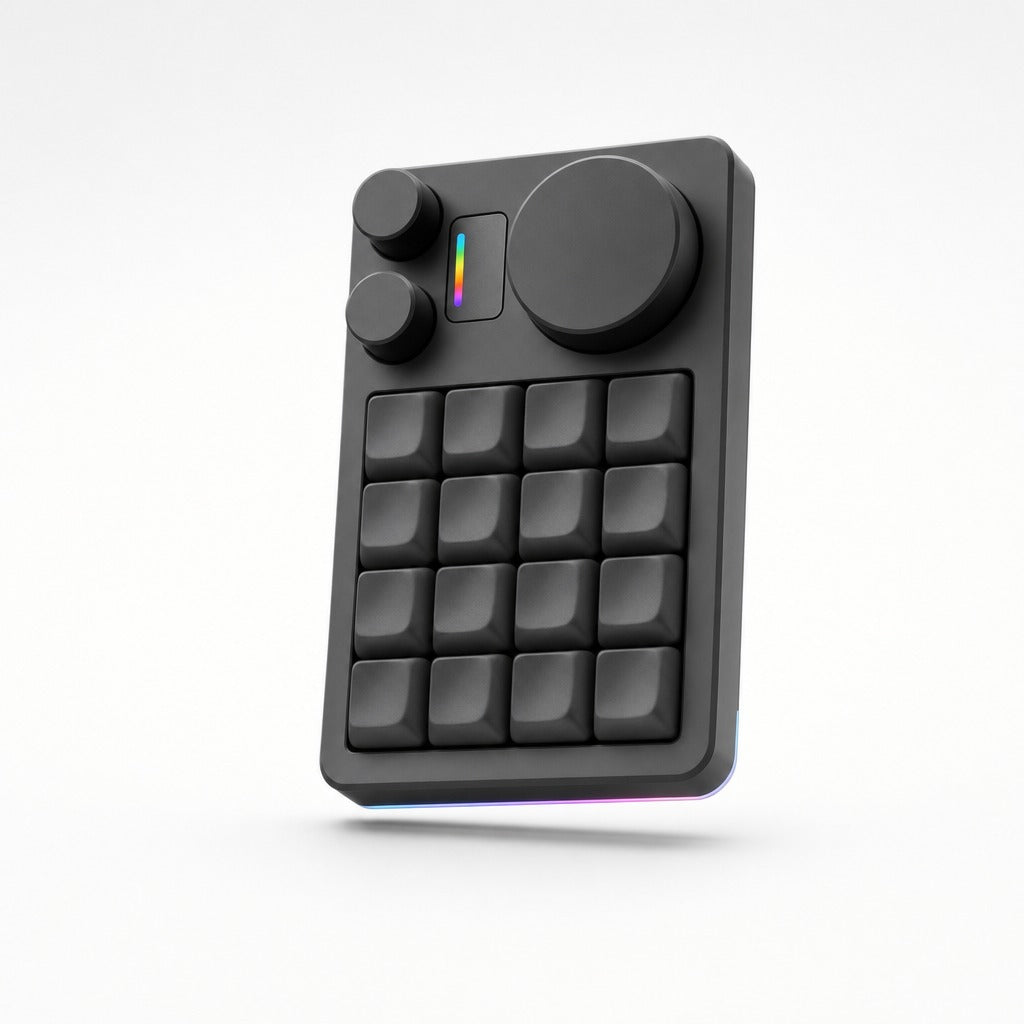
The KM16 gives you sixteen keys that belong to nobody and three knobs for the things that are continuous rather than discrete. It remaps in a browser over VIA, so the loop between wanting a layout and having it is minutes, not a firmware build. Layers mean the same sixteen keys can mean different things in your editor and in a design tool.
Where it sits in a real workflow
A layout that holds up: the top row for the agent loop, accept, reject, retry, switch model. The second for navigation between panes and diffs. The third for the test and build commands you actually run. The fourth for the ones you run rarely enough to forget, which is precisely why they should be a labelled key rather than a memory. The large knob takes volume or timeline scrub, the two small ones take whatever is continuous in your main tool. Because it is heavy CNC aluminium it does not slide when you hit it in a hurry, which sounds like a detail until you have used a light one.
Doing the arithmetic yourself
Count the actions you perform through a menu or a palette more than ten times a day. Each of those is a candidate for a key. Sixteen slots is usually more than the number of genuine candidates, which is the argument for sixteen rather than six, you want room for the layout to be obvious rather than crowded.
Who gains most from the KM16 Macropad?
Anyone whose work has more than a dozen repeated commands, and anyone who already knows they would use a knob. Skip it if five keys would do; the EM Mini Pad is smaller and wireless.
The first twenty minutes
Open VIA, assign the sixteen keys, then leave it alone for a week and fix only the ones you keep hitting wrongly. Designing the whole layer up front never works.
Related
KM16 Macropad, $149, full specification, frequently asked questions and what to know before buying. Or read about the EM Mini Pad, which solves a neighbouring problem.
futuredevice sells AI hardware for everyday life. Type less. Ship more.