The Browser Tab You Keep Open, Moved Off Your Screen
There is one number you check all day, and it is costing you a browser tab and a context switch every time.
Where the time actually goes
Monitoring competes with working for the same screen. A dashboard tab is either in front of you, taking space from the thing you are doing, or behind everything, in which case checking it is a context switch. Neither is good, and the number is usually small enough to fit in a corner.
How the Desk Terminal changes it
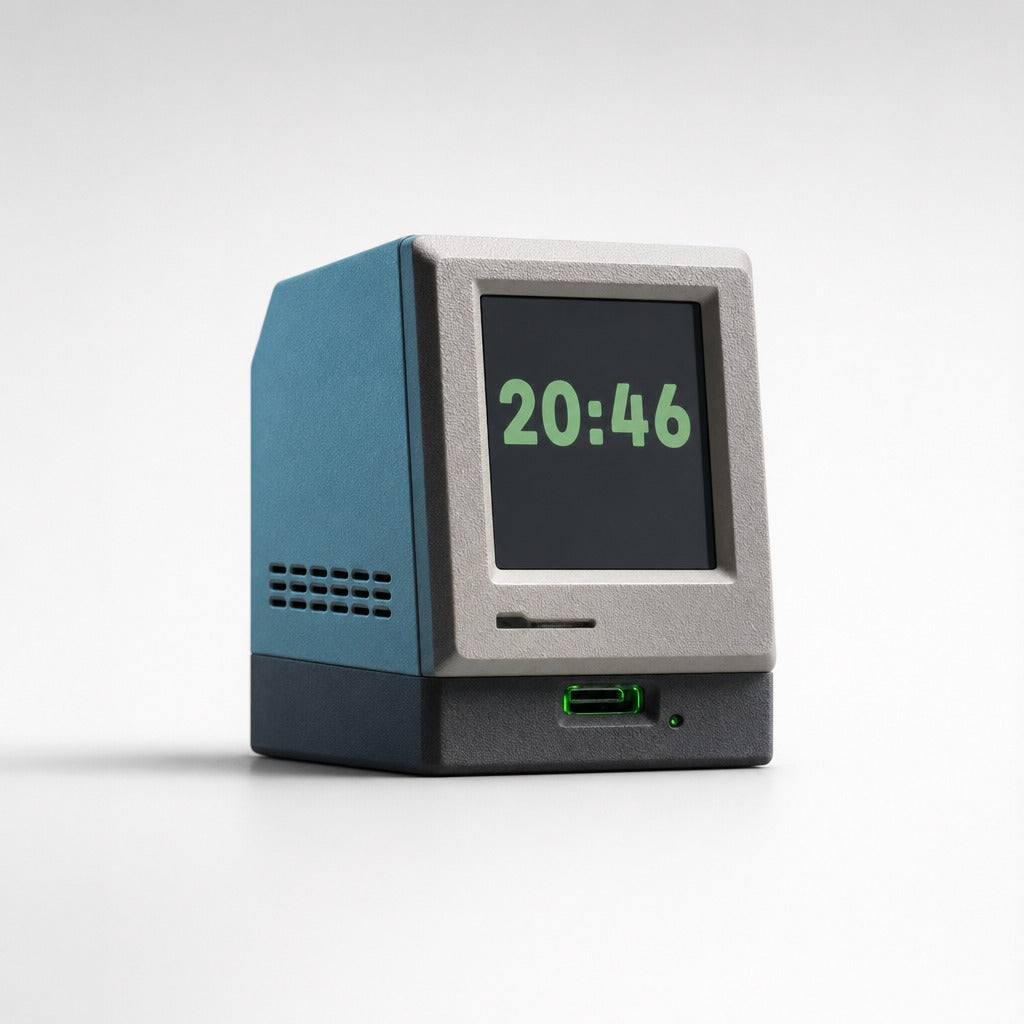
The Desk Terminal is a palm-sized computer shaped like an all-in-one from 1984, with a small colour LCD, Wi-Fi and USB-C power. It shows one thing well, off to the side, permanently.
Where it sits in a real workflow
Put whatever you keep alt-tabbing to on it: deploy state, queue depth, the clock, the weather if that is genuinely what you check. It occupies about the footprint of a coffee cup, which is the right amount of desk for a number. The reason this is more useful than a widget on your own screen is that it never gets covered, and never has to be summoned, the information is a place you look rather than a thing you open.
Doing the arithmetic yourself
Count the times you switch to a tab purely to read one value, then multiply by the cost of getting back to what you were doing. A dedicated display collapses that to a glance.
Who gains most from the Desk Terminal?
Anyone with a persistent number to watch, and anyone furnishing a desk they enjoy sitting at. Buy the Status Light instead if your number is really a state with three values.
The first twenty minutes
USB-C, join Wi-Fi, pick a face. Be aware that some of the manufacturer's setup menus are in Chinese.
Related
Desk Terminal, $79, full specification, frequently asked questions and what to know before buying. Or look at the Status Light, which solves a neighbouring problem.
futuredevice sells AI hardware for everyday life. Type less. Ship more.