News
Codex CLI by Voice: Is a Bundled Mic and Macro Pad Worth It?
The Vibe Pad bundles a clip-on mic with macro keys for Codex CLI, cheaper than two separate devices but weaker at both jobs.
Codex CLI by Voice: Is a Bundled Mic and Macro Pad Worth It?
The Vibe Pad bundles a clip-on mic with macro keys for Codex CLI, cheaper than two separate devices but weaker at both jobs.
Voice Pad for Codex CLI: Plan the Dictation Setup
Check Voice Pad microphone placement, speech-to-text software and control configuration before using it for Codex CLI prompts. Plan a practical first test.
Voice Pad for Codex CLI: Plan the Dictation Setup
Check Voice Pad microphone placement, speech-to-text software and control configuration before using it for Codex CLI prompts. Plan a practical first test.
Using Dictation With Codex CLI: What to Check First
Check the audio path, dictation software and reviewed text insertion for a Codex CLI setup before choosing the handheld Whisper Key.
Using Dictation With Codex CLI: What to Check First
Check the audio path, dictation software and reviewed text insertion for a Codex CLI setup before choosing the handheld Whisper Key.
Retro Board for a Claude Code Desk: Layout and Package
Compare Retro Board’s tenkeyless layout and listed connections for a Claude Code desk. Check the keyboard-and-mouse package; a numeric keypad is not confirmed.
Retro Board for a Claude Code Desk: Layout and Package
Compare Retro Board’s tenkeyless layout and listed connections for a Claude Code desk. Check the keyboard-and-mouse package; a numeric keypad is not confirmed.
The Smallest Macropad That Still Covers Claude Code's Approve and Reject
The EM Mini Pad packs 6 keys and a knob for Claude Code's accept/reject loop into a footprint the size of a mug coaster.
The Smallest Macropad That Still Covers Claude Code's Approve and Reject
The EM Mini Pad packs 6 keys and a knob for Claude Code's accept/reject loop into a footprint the size of a mug coaster.
Sixteen Keys for Everything Claude Code Makes You Repeat
The KM16 Macropad's 16 keys and 3 knobs cover Claude Code's approve, reject, and pane-navigation actions without touching the mouse.
Sixteen Keys for Everything Claude Code Makes You Repeat
The KM16 Macropad's 16 keys and 3 knobs cover Claude Code's approve, reject, and pane-navigation actions without touching the mouse.
Four Pedals, One Claude Code Review Loop
Pedal Four adds a fourth foot action, such as run-tests, to the accept/reject loop you already use to review Claude Code's output.
Four Pedals, One Claude Code Review Loop
Pedal Four adds a fourth foot action, such as run-tests, to the accept/reject loop you already use to review Claude Code's output.
Running Claude Code Review with Your Feet
Pedal Three maps accept, reject, and push-to-talk to your feet, so reviewing Claude Code's edits never takes a hand off the keyboard.
Running Claude Code Review with Your Feet
Pedal Three maps accept, reject, and push-to-talk to your feet, so reviewing Claude Code's edits never takes a hand off the keyboard.
Replacing a Browser Tab With a Screen for Claude Code's Status
The Desk Terminal is a small networked screen you can point at Claude Code's build or run status instead of a browser tab.
Replacing a Browser Tab With a Screen for Claude Code's Status
The Desk Terminal is a small networked screen you can point at Claude Code's build or run status instead of a browser tab.
What a Status Light Actually Tells You About a Claude Code Run
The Status Light is a three-lamp desk signal you can wire to show whether a Claude Code run is working, waiting, or done.
What a Status Light Actually Tells You About a Claude Code Run
The Status Light is a three-lamp desk signal you can wire to show whether a Claude Code run is working, waiting, or done.
Claude Code Dictation and Macros in One Cheap Box
The Vibe Pad bundles a clip-on mic and a small macro pad, covering Claude Code dictation and accept/reject keys in one cheap unit.
Claude Code Dictation and Macros in One Cheap Box
The Vibe Pad bundles a clip-on mic and a small macro pad, covering Claude Code dictation and accept/reject keys in one cheap unit.
A Louder, Cheaper Way to Dictate Prompts to Claude Code
The Voice Pad puts a desk microphone and programmable keys next to your Claude Code terminal, at normal speaking volume.
A Louder, Cheaper Way to Dictate Prompts to Claude Code
The Voice Pad puts a desk microphone and programmable keys next to your Claude Code terminal, at normal speaking volume.
Planning a Dictation Setup for Claude Code
Plan a Whisper Key dictation setup for Claude Code. Check the audio path, software, draft destination and controls before choosing handheld hardware.
Planning a Dictation Setup for Claude Code
Plan a Whisper Key dictation setup for Claude Code. Check the audio path, software, draft destination and controls before choosing handheld hardware.
Desk Terminal for Copilot Tasks: Check the Interfaces First
Consider Desk Terminal’s stock display functions and retro form. Showing Copilot task data requires a confirmed control interface and accessible events.
Desk Terminal for Copilot Tasks: Check the Interfaces First
Consider Desk Terminal’s stock display functions and retro form. Showing Copilot task data requires a confirmed control interface and accessible events.
Status Light for Copilot: Plan the Signal and Connection
Plan a useful Copilot task signal with Status Light. Confirm the event source, lamp-control interface and behavior when updates stop.
Status Light for Copilot: Plan the Signal and Connection
Plan a useful Copilot task signal with Status Light. Confirm the event source, lamp-control interface and behavior when updates stop.
One Box for Copilot Dictation and Macros: The Vibe Pad
The Vibe Pad bundles a clip-on microphone with a small macro pad, an entry-price way to dictate to and navigate GitHub Copilot from one box.
One Box for Copilot Dictation and Macros: The Vibe Pad
The Vibe Pad bundles a clip-on microphone with a small macro pad, an entry-price way to dictate to and navigate GitHub Copilot from one box.
Why AI Company Swag Ends Up in a Drawer
Most tech swag is a tote bag nobody wanted. What actually survives on an engineer's desk, and how to run a branded hardware batch that does.
Why AI Company Swag Ends Up in a Drawer
Most tech swag is a tote bag nobody wanted. What actually survives on an engineer's desk, and how to run a branded hardware batch that does.

A Keycap Charm That Gives Better Than It Presses
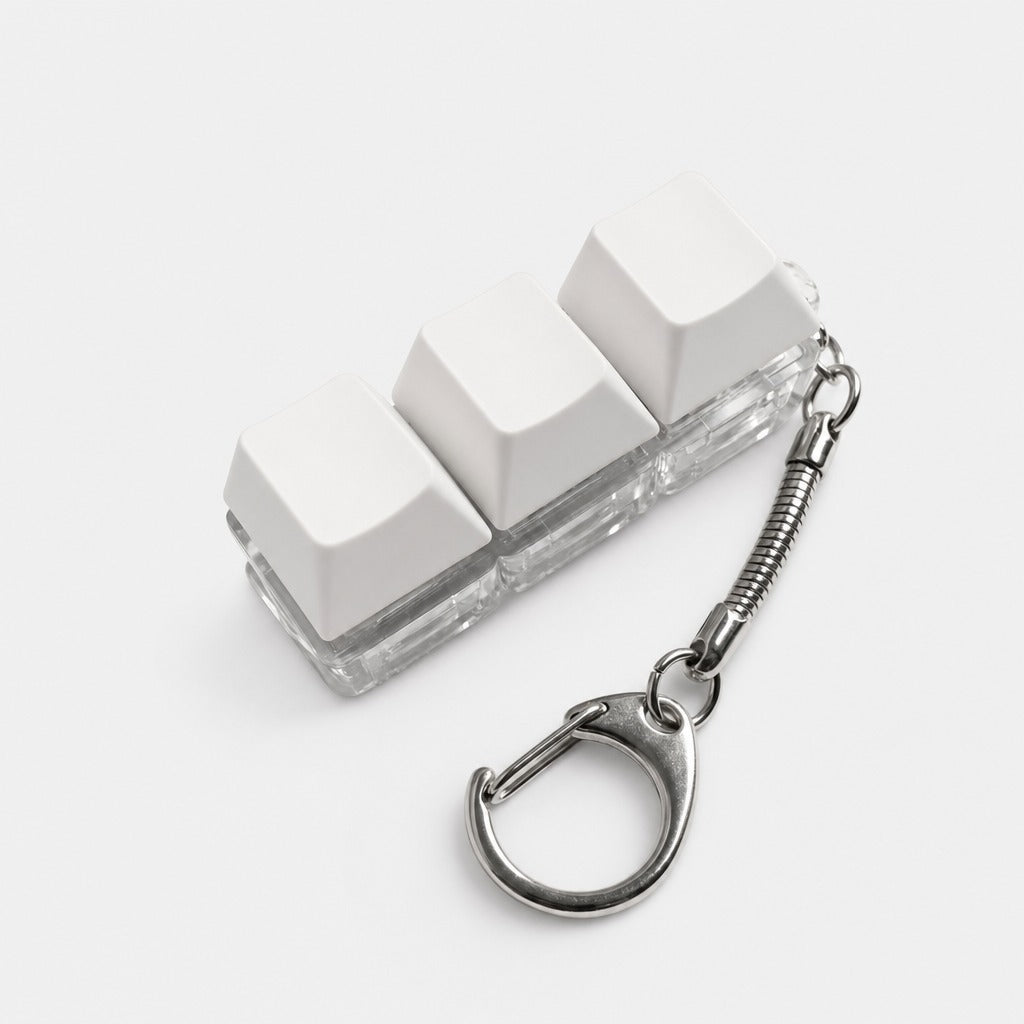
Three printed keycap blocks on a braided cord. The giftier sibling of the keycap fidget, with no working switches.
A Keycap Charm That Gives Better Than It Presses
Three printed keycap blocks on a braided cord. The giftier sibling of the keycap fidget, with no working switches.

The Cheapest Complete Talk-to-Your-Agent Setup
A macro pad bundled with a clip-on microphone: dictation and accept/reject in one box, at the lowest price in the catalogue.
The Cheapest Complete Talk-to-Your-Agent Setup
A macro pad bundled with a clip-on microphone: dictation and accept/reject in one box, at the lowest price in the catalogue.

Twelve Keys for the Hand That Is Not on the Mouse
A slim twelve-key macropad aimed at Mac and Procreate. Brush sizes, ripple delete, accept and reject: the cheapest way to give your left hand a permanent job.
Twelve Keys for the Hand That Is Not on the Mouse
A slim twelve-key macropad aimed at Mac and Procreate. Brush sizes, ripple delete, accept and reject: the cheapest way to give your left hand a permanent job.

Push-to-Talk at the Desk: A Cheaper Route Into Dictation
A macropad with the microphone built in. Hold the key, speak, release, and the text lands in your agent. Cheaper, and suited to a private room.
Push-to-Talk at the Desk: A Cheaper Route Into Dictation
A macropad with the microphone built in. Hold the key, speak, release, and the text lands in your agent. Cheaper, and suited to a private room.
The Cheapest Way to Signal What You Work On
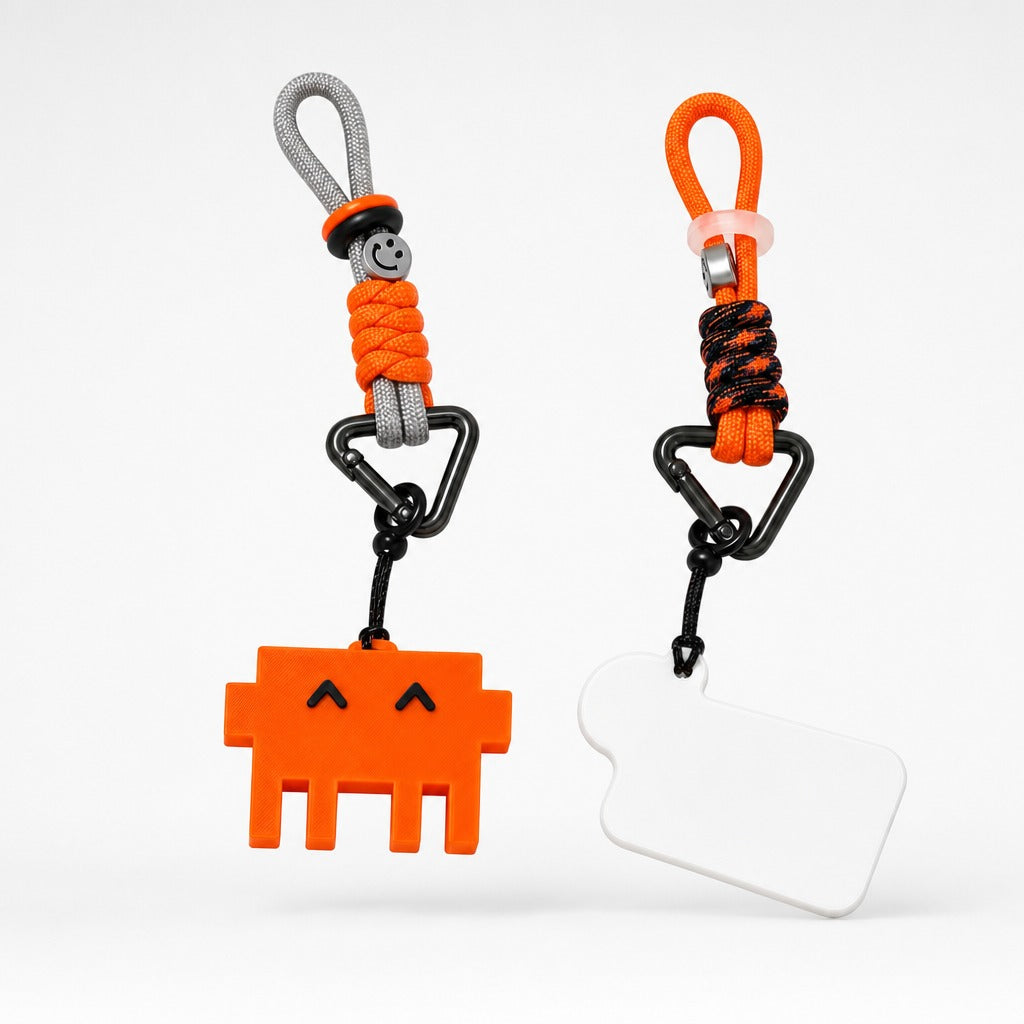
A pixel-robot charm on paracord with a real carabiner. Purely decorative, honestly described, and the natural thing to hand out at a conference.
The Cheapest Way to Signal What You Work On
A pixel-robot charm on paracord with a real carabiner. Purely decorative, honestly described, and the natural thing to hand out at a conference.
What to Do With the Ten Seconds the Agent Gives You
Agentic work hands you dead time in ten-second increments. Three real mechanical switches on a keyring is a better answer than picking up your phone.
What to Do With the Ten Seconds the Agent Gives You
Agentic work hands you dead time in ten-second increments. Three real mechanical switches on a keyring is a better answer than picking up your phone.
One Keyboard, Three Machines, No Repairing
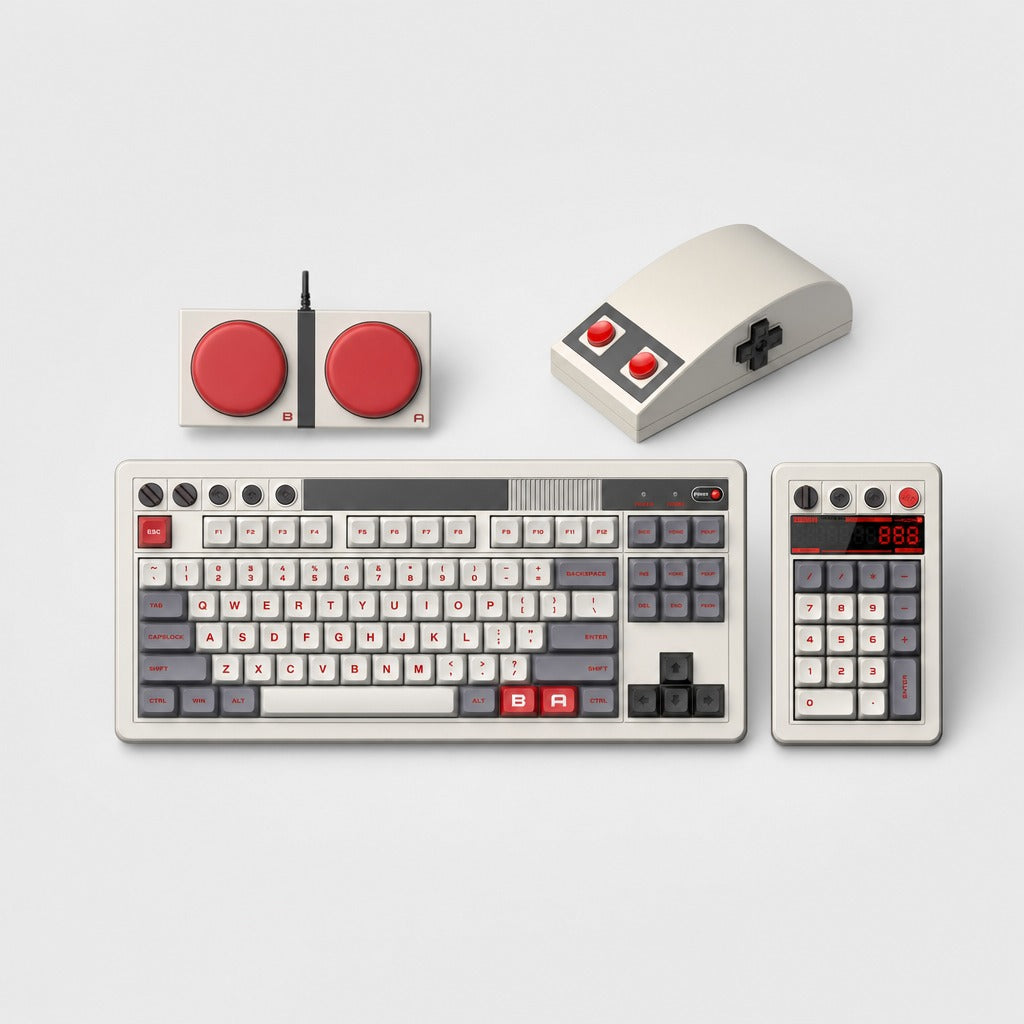
An 87-key hot-swappable retro board with tri-mode connection, numpad and mouse. What tri-mode changes about working across three machines.
One Keyboard, Three Machines, No Repairing
An 87-key hot-swappable retro board with tri-mode connection, numpad and mouse. What tri-mode changes about working across three machines.
The Browser Tab You Keep Open, Moved Off Your Screen
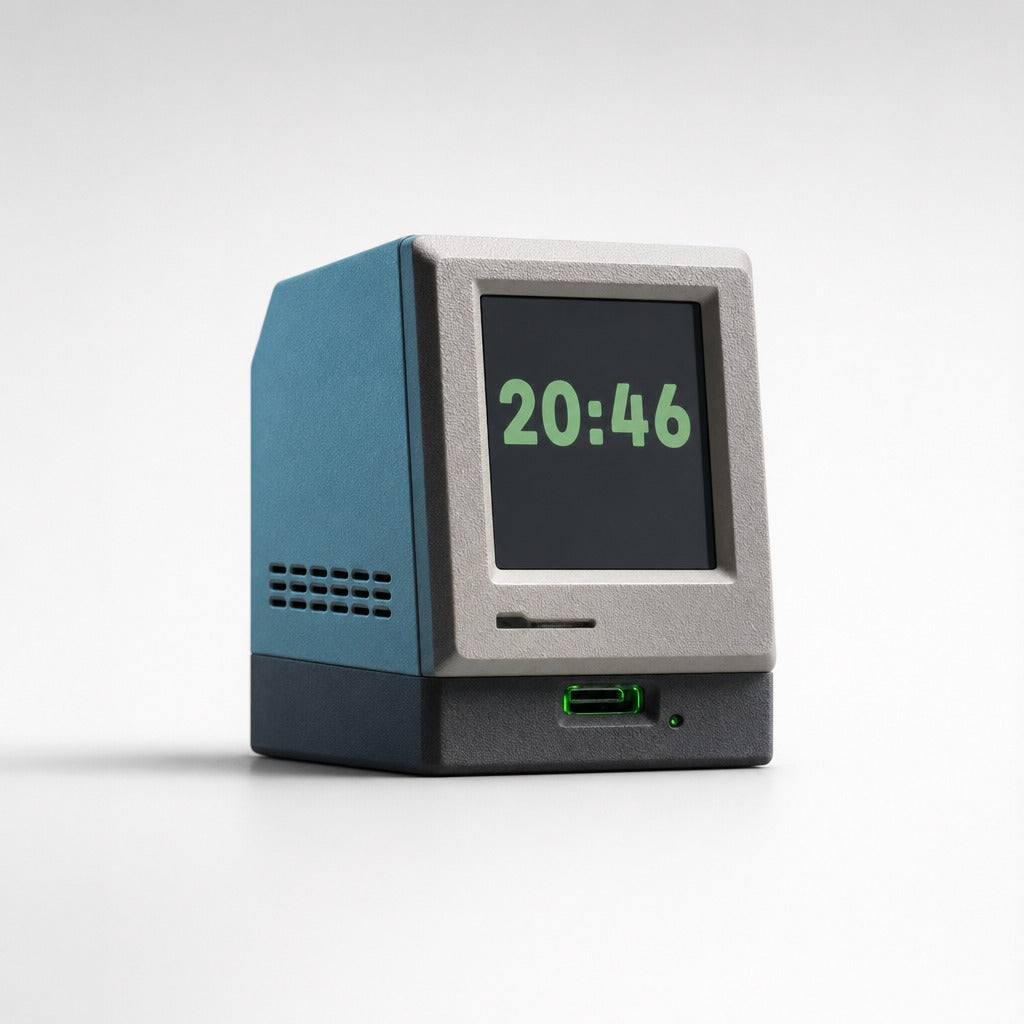
Build status, queue depth, the clock. A palm-sized retro computer beside the monitor is a second screen for the one number you keep checking.
The Browser Tab You Keep Open, Moved Off Your Screen
Build status, queue depth, the clock. A palm-sized retro computer beside the monitor is a second screen for the one number you keep checking.
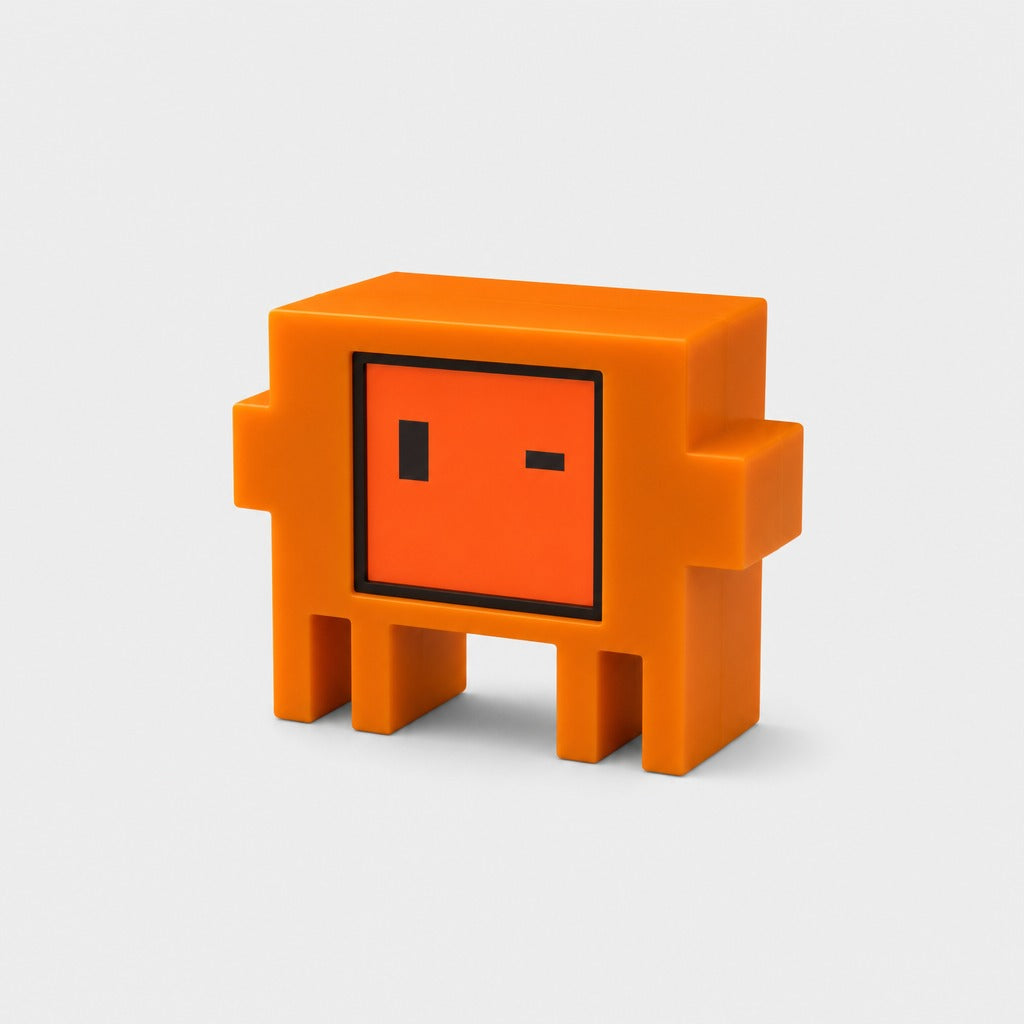
A Desk Pet That Tells You What Your Agent Is Doing
The same job as a status light, done with a face instead of a colour. Why the charming ambient indicator can beat the merely legible one.
A Desk Pet That Tells You What Your Agent Is Doing
The same job as a status light, done with a face instead of a colour. Why the charming ambient indicator can beat the merely legible one.
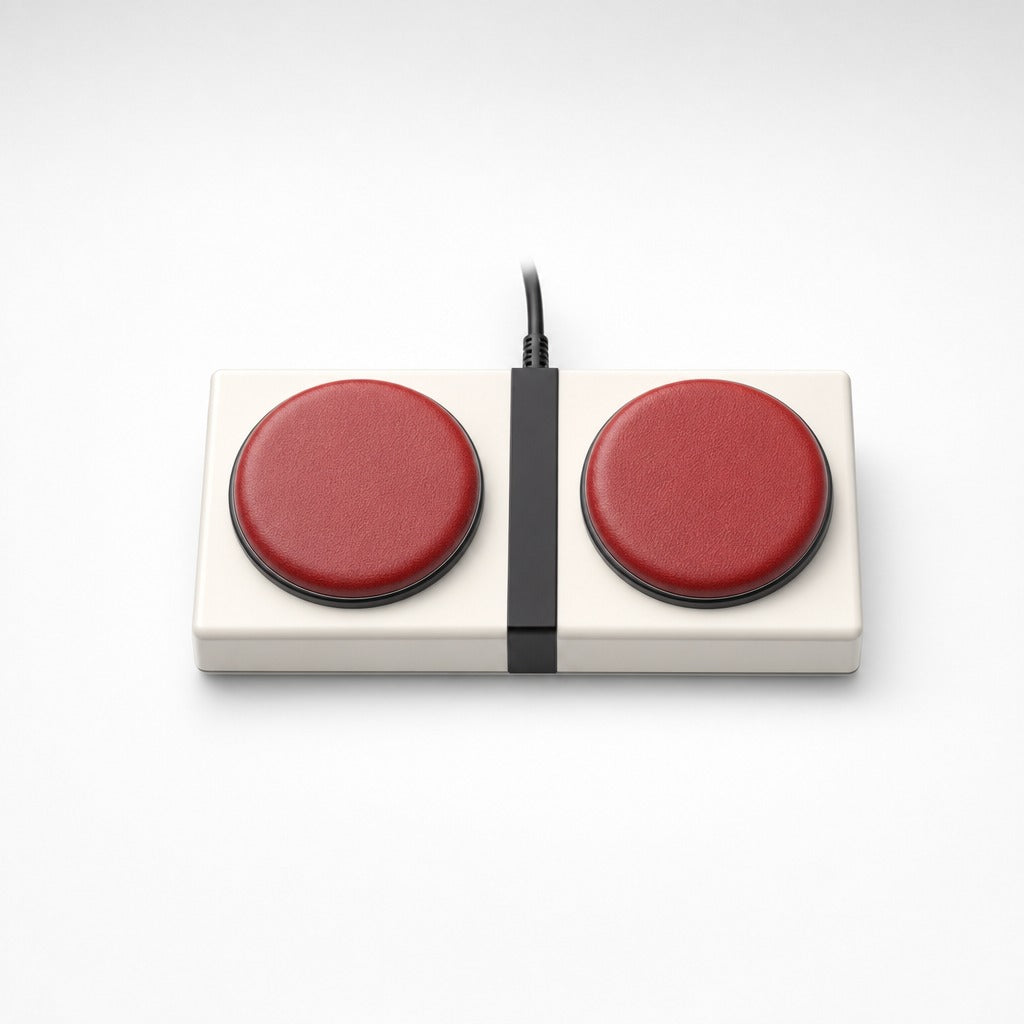
Why Hitting a Big Red Button Makes You Review Faster
Two arcade buttons mapped to accept and reject. The ergonomic argument is that you can hit them without looking; the real reason is that it feels good.
Why Hitting a Big Red Button Makes You Review Faster
Two arcade buttons mapped to accept and reject. The ergonomic argument is that you can hit them without looking; the real reason is that it feels good.
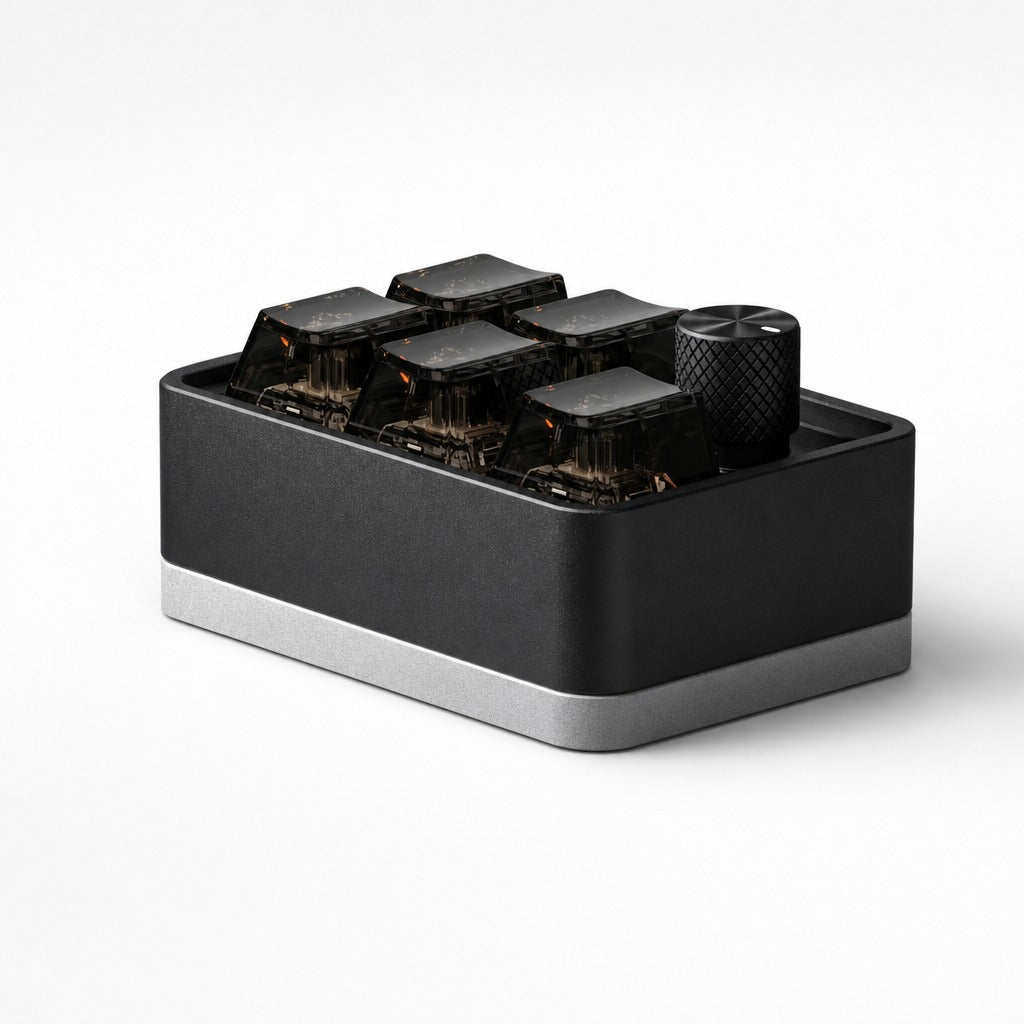
Five Keys, One Knob, and the Key That Hides Everything
The smallest useful macropad: volume on a knurled knob, five shortcuts on smoked keycaps, and one boss key. Wired or Bluetooth, in almost no desk space.
Five Keys, One Knob, and the Key That Hides Everything
The smallest useful macropad: volume on a knurled knob, five shortcuts on smoked keycaps, and one boss key. Wired or Bluetooth, in almost no desk space.
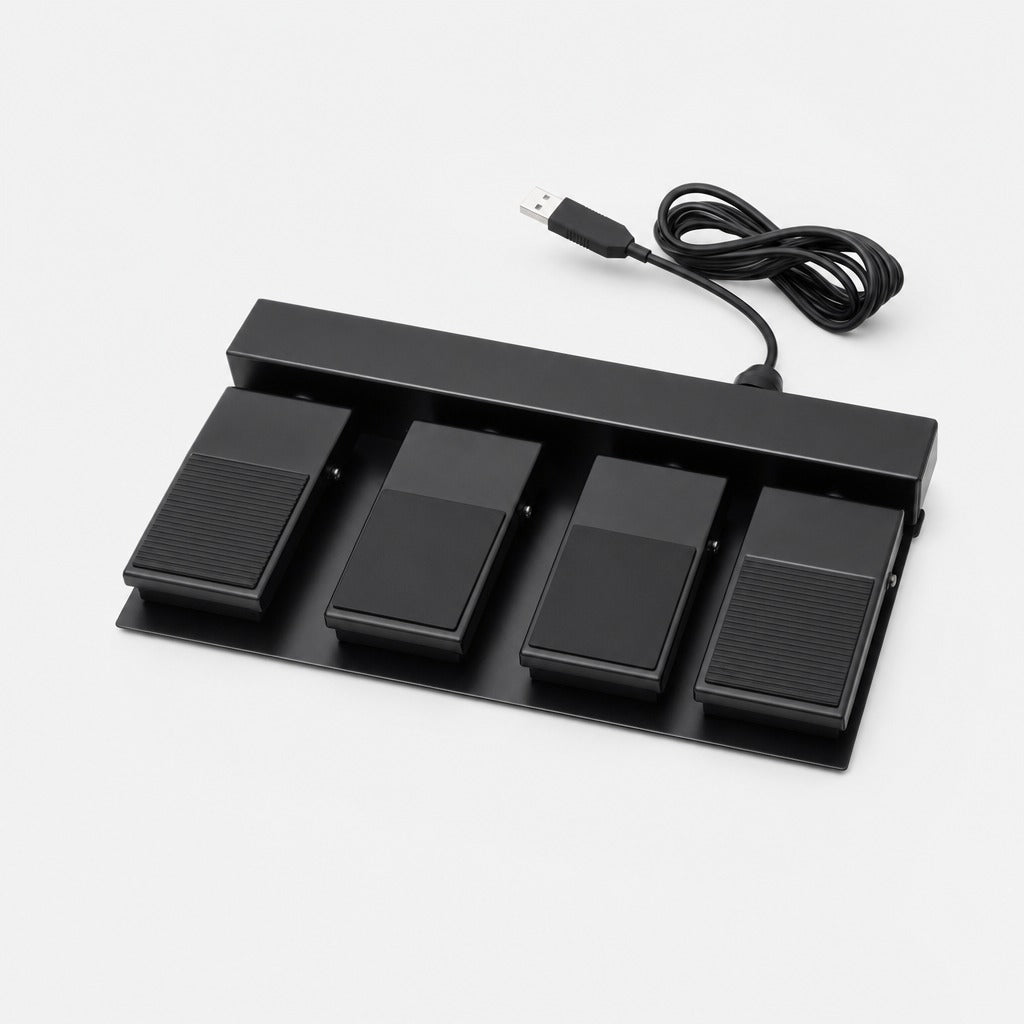
When Three Pedals Is Not Enough
A fourth foot pedal buys you one more hands-free action, such as run-tests or next-diff. It is also the pedal that makes sense if you stream as well as code.
When Three Pedals Is Not Enough
A fourth foot pedal buys you one more hands-free action, such as run-tests or next-diff. It is also the pedal that makes sense if you stream as well as code.